
Singapore · Remote desktop for companies
Reach the machines at the office, without a shared password.
Each controller is authorised on its own. Access is a named grant with an expiry that can be revoked — not a password anyone can forward.
- Named
- A grant points at one specific controller device, not at a secret that works for whoever holds it.
- Expiring
- 30 days by default, configurable up to 90. Narrow by default rather than open-ended.
- Revocable
- Withdraw it at any time; on a healthy path new connections are refused within about 60 seconds, and the same key cannot simply re-apply. A session already in progress is not ended by revocation — end it on the host.
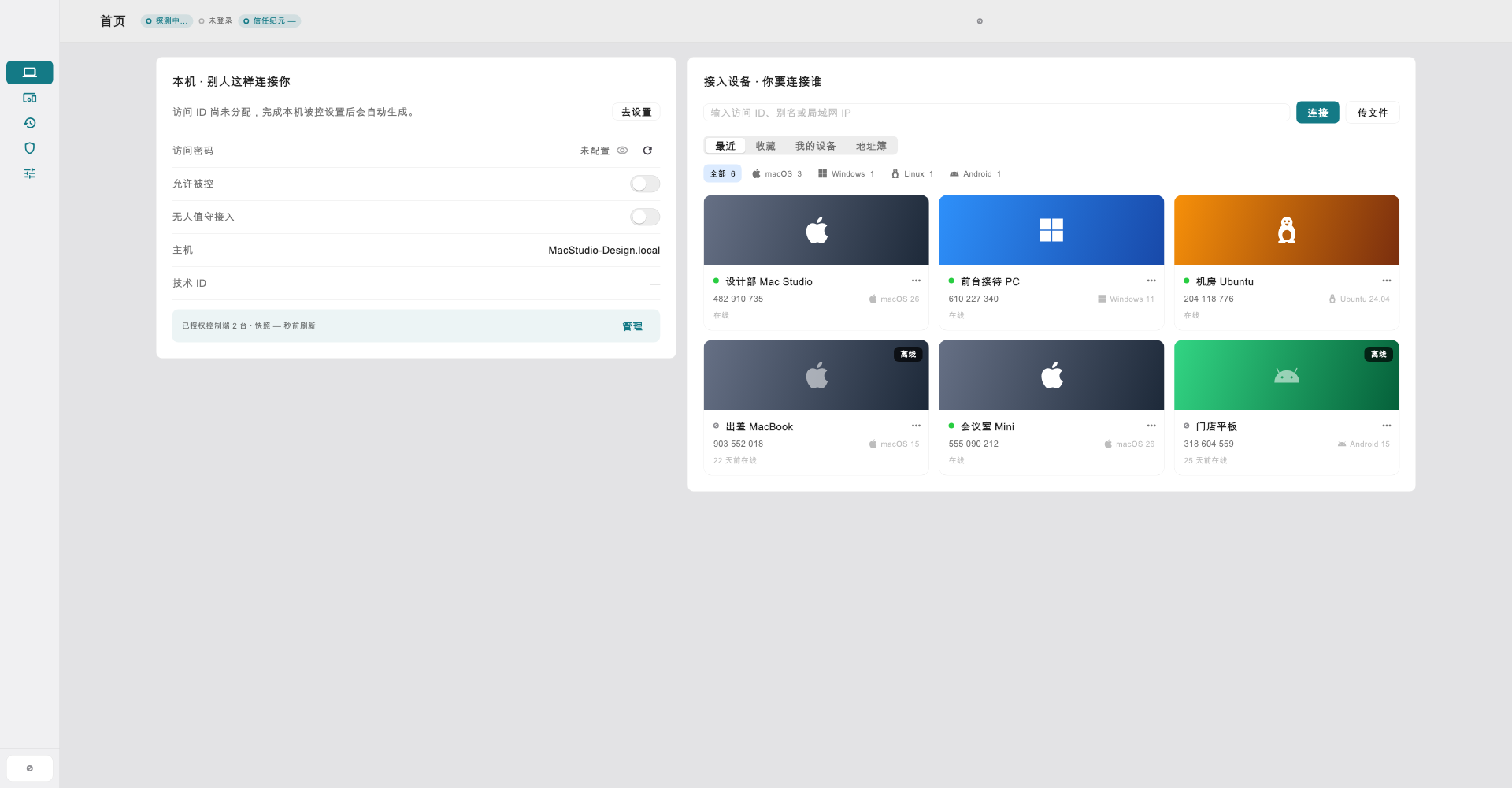
You can check it before you install it.
Remote desktop software takes full control of a machine. We think you should at least be able to confirm that what you downloaded is what we published, before you run it.
- Every release ships a checksum
- A SHA256SUMS manifest accompanies each release, listing bare filenames so it can be checked with the tools already on your machine.
- Every installer is signed
- macOS is Developer ID signed, notarised and stapled; Windows is EV Authenticode with a timestamp; the Android certificate fingerprint matches this site's assetlinks.json.
- And we publish what does not work
- Which platforms have no client, which hosts lack which capabilities, which features do not exist at all — listed as body copy on the verification page, not collapsed.
shasum -a 256 -c SHA256SUMS-v4.1.36.txtDownload the installer and the manifest for the same version into one directory, then run this. A matching hash means the file matches the manifest; on its own it does not establish who built it, so check the signature too.
Who may connect is a record, not a secret.
Most remote desktop tools work on “know the ID and the password and you are in”. Once that password travels, the blast radius is everything — and you usually do not know it travelled.
- Private keys are not uploaded
- A controller's private key is generated on the device and sealed by its hardware security module — Secure Enclave on macOS, TPM on Windows, StrongBox on Android (the TEE where StrongBox is absent). It can only be unsealed on that device, and is unsealed in memory when it signs.
- Grants and governance are separate records
- A device grant decides which controller may connect; the governance set decides who may take part in governing the account. In the current release both approvals depend on codes the web backend could reproduce if it were compromised — see the security page.
- A hard ceiling the backend cannot raise
- The issuing side independently enforces at most 255 device grants per account, whatever the plan quota says. It does not re-check the approver's code for device grants; that check happens in the web backend.
Where this one ends
Hardware sealing covers controller keys only — the host's host.key is a plaintext file, and on Windows a malicious program running as the same user can read a controller key while it is unlocked. Separation of duties also does not mean no single compromise leads to access: a compromised API can still mint device grants, and it may also be able to change the governance set. Each of these is stated in place on the security page.
The controller and the host are not the same list.
“Supported platforms” is a misleading phrase in this category: the end you work from and the end you reach differ in both coverage and capability. Here is the actual position.
The end you work from
Platforms with a released build:
- macOS — Apple Silicon only
- Windows — a zip, not an installer
- Android — arm64 only
- iPadOS / iOS — TestFlight only, no public build
- Linux — no client
The end you reach
Only two platforms can act as a host today, and they differ a great deal:
- macOS — the only fully-featured host
- Windows — software encoding only, no audio or clipboard
- Linux — not yet available; planned to ship with the 4.2.0 system-service host
- Android and iOS — cannot act as hosts
Want to know whether it fits your case?
Self-service purchase is not open yet. Tell us how many machines you need to reach and where they are, and we will answer directly — including the parts we cannot do.